Facebook new step - Status Comments with a new REPLY button..!
The Social Networking giant Facebook implementing a new feature for its users, this was a really nice initiative by Facebook. Even the users also embarrassed with this feature. In the past for suppose if a person posts some status updates, users usually allowed to comment on their posts, and then the person usually replies to the users comments by tagging their name in his next comment. Here a little confusion may arises for the users to who's comment the person is replied, to avoid this confusion facebook implemented the Reply button to the comments so that the Commentator responds to a single individual comment while replying to his status comments.
Facebook officially started this service on November 2012, but this feature still is in beta version, and implemented only to a limited set of users only.
Here is the Screenshot for that awesome feature..Have a look.!
Thanks@Datta.
My blog is all about new things and interesting technical issues..and even you don't heard about all these also anywhere..Every time you visit my blog you surely get some amazing stuff and got embarrassed too..Happy Blogging..
Sunday, January 27, 2013
Capturing Screenshots in Google Earth using Android.!!
The Google Earth app for Android includes a handy screen capture feature that allows you to capture and share screenshot images of the current view inside Earth with a click. You may capture screenshots of aerial imagery as well as 3D buildings.
You may wonder why would anyone need this when Android itself include screen-capture capabilities? Well, compare these two images.

This screenshot was captured using Google Earth – clutter free image.

This screenshot of Google Earth was captured with Android
The big advantage with Google Earth’s built-in screen capture feature is that it adds none of the on-screen clutter to your screenshot.
How to take Screenshots in Google Earth
To get started, navigate to any location inside Google Earth and click the More menu in the upper-right corner. Now choose the Share option from the drop-down and Google Earth will automatically take a screenshot image of the current view.
You can then directly save that screenshot to Dropbox, Gmail, Facebook or any other application that is part of the system-wide Share menu.
Also see: How to Capture Videos of Google Earth
The screen-capture feature is not available inside the Google Maps app for Android but you can use another app called Skitch to capture clean screenshots of your Google Maps.
Open the Skitch app and choose Draw on Map. Now search for a location on Google Maps and tap the “tick” symbol to save a screenshot of the current view.
Thanks@Datta.
Setting Automatic Expiry Dates for Shared Folders in Google Drive
When you share a folder or a file in Google Drive with anyone, the shared links will stay active forever until you manually change the access permissions. There isn’t a way to set an expiration date for your shared files or folders that will make these links unavailable after a certain date and time.
You can however add an auto-expire feature to any of your shared folders in Google Drive with the help of a simple Google Script.

Set Expiration Dates & Temporarily Share Google Drive Folders
You create a folder in Google Drive and share it with Public or a small group. You then specify a date/time when you want that shared link to expire. The script, at the specified time, will create a copy of your shared folder and delete the original one. Thus the shared links would no longer work though the folder and files will stay in your Google Drive.
Let’s get this to work now.
- Open the Google Script and then choose File -> Make a Copy to copy this script into your Google Drive.
- Add the URL of your shared Google Drive folder and the expiration date in the script (use the YYYY-MM-DD HH:MM format).
- Go to Run -> Initialize and grant the necessary permissions.
- Go to Run -> Start and it will create a trigger that will auto-expire the shared links at the specified time.
That’s it. You can exit the Google Script page and it will send you an email notification when the shared links are disabled.
Thanks@Datta.
Tuesday, November 27, 2012
Facebook is providing search for Last Name / Family Name
Facebook providing a chance for searching the Last name or Family name to find a person of their interest.
So how do you find people who share the same last name (or surname) as you? Well, use Facebook for this. Here is the procedure for this.
Go to http://www.facebook.com/family
Enter the Family Name or Last Name like (Pathangae,Dharanikota, etc) which you desired to search.
Click on Search button.
Thankyou@Datta Dharanikota
Facebook providing a chance for searching the Last name or Family name to find a person of their interest.
So how do you find people who share the same last name (or surname) as you? Well, use Facebook for this. Here is the procedure for this.
Go to http://www.facebook.com/family
Enter the Family Name or Last Name like (Pathangae,Dharanikota, etc) which you desired to search.
Click on Search button.
Search people in Facebook using surname
Here is the results for your search query.. you can go through the thousands of your surname profiles or into some others profiles as well, and you can find someone who you are looking for also..you can see the results in the below screenshot.
Search people by surname
Thankyou@Datta Dharanikota
Tuesday, November 20, 2012
Recording Skype video calls with side-by-side separate files and you can do many more also..
Lot of people are using Skype audio calling and Skype video calling, but many of the people don't know, how to record their Skype calls, for suppose if we want to record the important Skype conversation for future purpose, we can do that by using the below mentioned application, Evaer.. http://www.evaer.com/download.htm
We can easily install that application by simply going to the above said link, and move to the Download tab, and click on the below seen, download button, your download will begin automatically. Here you can find the version also, as this application is available for multiple platforms including Mac also.
Here is the screen shot for this application, you can view the settings for this application in the right side window and screen shot for application in the left side window, we can change the Video Recording Mode also, as Side-By-Side or Single side, and Video Format/Output also, you can find the list of options in the below image, one can change the location of the output files also..
Hope you will enjoy this beautiful application. Evaer.
Thankyou@Datta.
Thursday, November 15, 2012
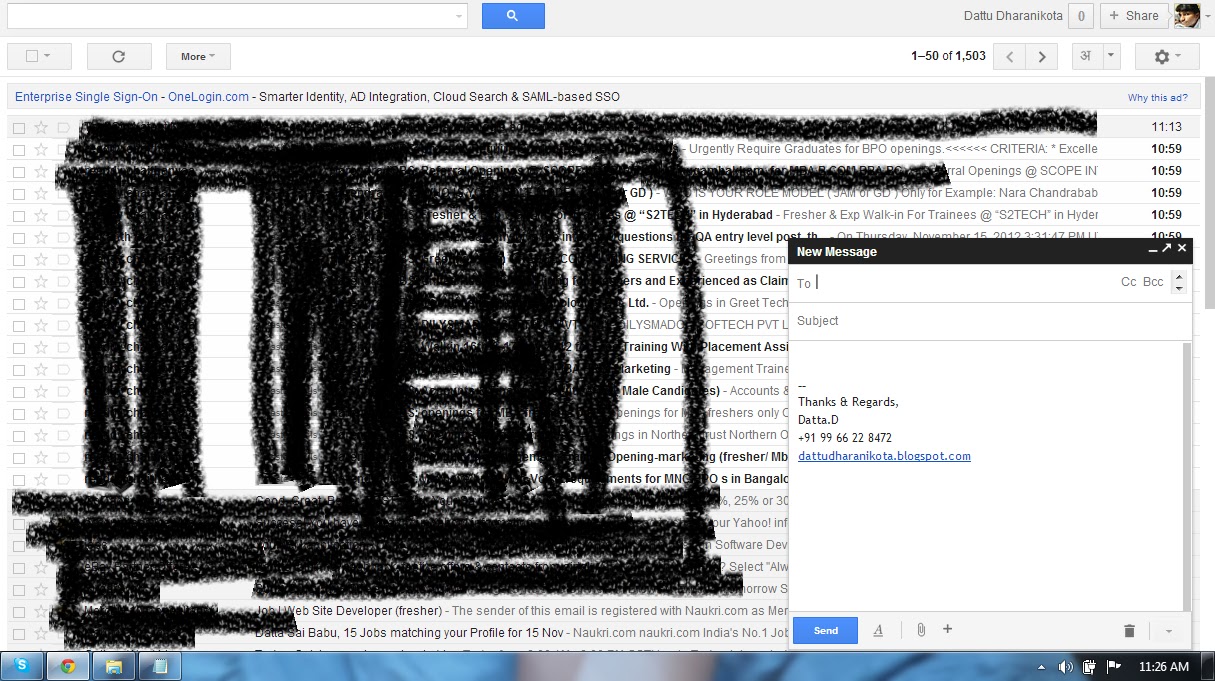
New features in G-mail added by Google.
"We're always looking for ways to make it faster and easier for you to find your messages using search in Gmail. So starting today, you can now search emails by size, more flexible date options, exact match and more. This means, for example, to find emails larger than 5MB, you can search for size:5m or larger:5m or to find emails sent over a year ago, older_than:1y," according to the blog .
Kurmann's post further continued that these new additions will work in conjunction with other G-mail features introduced by Google recently, including new compose box(i.e the compose box in a separate window) and auto complete in search box.
.bmp)
A few months ago, the company had also started field trials wherein users logged into their Gmail accounts could search for emails and files from Google Search itself. Currently being tested only on desktop searches, these trials require users to sign up by themselves.
Thankyou@Datta.
Tuesday, November 13, 2012
Facebook Testing "Sound Alert System"
Social networking giant Facebook is reportedly testing a new feature that emits a ping sound when a user writes on your Timeline, sends you a message or invites you to an event.
"We are currently testing a sound with notifications," a Facebook official person said.
"It's only testing with a small percentage of people and it can be controlled from the Account Settings page," the person added.
The writer posted a video and noted he "hates" it already.
We can assume many others will not be pleased to hear a constant stream of sound alerts.
Lets wait and see how it works..
Thankyou@Datta.
Social networking giant Facebook is reportedly testing a new feature that emits a ping sound when a user writes on your Timeline, sends you a message or invites you to an event. "We are currently testing a sound with notifications," a Facebook official person said.
"It's only testing with a small percentage of people and it can be controlled from the Account Settings page," the person added.
The writer posted a video and noted he "hates" it already.
We can assume many others will not be pleased to hear a constant stream of sound alerts.
Lets wait and see how it works..
Thankyou@Datta.
Saturday, November 10, 2012
At last Wikipedia also allowing users to upload videos.
Wikipedia, the world's largest online encyclopedia, has launched a new project enabling registered users to post videos, according to the portal's press service.
"A new video player has been enabled on Wikipedia and its sister sites, and it comes with the promise of bringing free educational videos to more people, on more devices, in more languages," Wikimedia Foundation said Friday.
Wikipedia articles have remained largely text-based until now.
The video upload project, carried out in cooperation with open-source video start-up Kaltura and the Google search engine, was launched in 2008. But it was delayed due to numerous technical problems.
The new HTML5 player is a result of a combined effort between Wikipedia, Google and Kaltura.
Wikipedia, which sees 25 million unique daily visitors to its English section alone, currently hosts only about 15,000 videos.
The videos were added either via the older Ogg Theora player that has been in use since 2007 or as part of testing the new player, based on HTML5.
Thankyou@Dattu.
Facebook changed their Login/Home Page:
Usually every body wants the home page to be the best, from the past few months Facebook changed so many things, message settings and look of the internal pages also.
But Facebook didn't changed it's Login/Home Page from the past few months, but now they changed their Home Page with such a elegant look and feel..
Its really very nice than the previous Login Page, and in the page itself it is saying why the Facebook is for,
Connect and Share with people in your life
Lets see what your neighbors up to now.
Here is the view of new Index Page.
Facebook is one of the giant in the Social Networking, making so many changes since 2004 to make it as the best Social Networking site.
Thankyou@Datta.
Usually every body wants the home page to be the best, from the past few months Facebook changed so many things, message settings and look of the internal pages also.
But Facebook didn't changed it's Login/Home Page from the past few months, but now they changed their Home Page with such a elegant look and feel..
Its really very nice than the previous Login Page, and in the page itself it is saying why the Facebook is for,
Connect and Share with people in your life
Lets see what your neighbors up to now.
Here is the view of new Index Page.
Facebook is one of the giant in the Social Networking, making so many changes since 2004 to make it as the best Social Networking site.
Thankyou@Datta.
Subscribe to:
Posts (Atom)